[ DEVELOPER PLATFORM ]
Dream. Code. Deploy.
The complete toolkit for embedding Unity and Unreal Engine experiences directly into your Flutter applications with versioning, storage, and streaming built in.
hero
Multi-engine support
One Framework, Multiple Engines
Game Framework provides native-level performance with a unified API. You can choose the right engine for each project without learning new tooling.

Multi-Engine Support: Seamlessly integrate both Unity and Unreal Engine into your Flutter applications.

Unified Widget API. One consistent interface for both Unity and Unreal Engine widgets.

Create 2D and 3D interactive content, including video games, simulations, and augmented/virtual reality (AR/VR) experiences with Unity game engine directly into your flutter application.

Unreal engine seamlessly embedded into your flutter application for creating a powerful, open, and advanced real-time 3D interaction video games.

Find out how Unity and Unreal engines are embedded into your flutter application.

FAQ’s on multi-engine support.

Packages
Centralized Asset Management
Store, organize, and access all your game assets from a single source of truth. The Game Framework Packages keeps your textures, models, scripts, and configurations versioned and accessible across your entire team.
Centralized Asset Management

Centralized package asset: Every asset your game widgets need—organized, versioned, and instantly accessible to your entire development team.

Asset Ingestion

Publish and manage packages with semantic versioning via the game CLI. Upload platform-specific artifacts with SHA-256 integrity verification.

Access Control

Define who can publish, download, and manage packages across your team with role-based permissions and scoped API keys.

Find out how Game Framework manages your team packages

FAQ’s on Game Framework packages.

Versioning & Revision Control
Ship Fast, Ship Safe
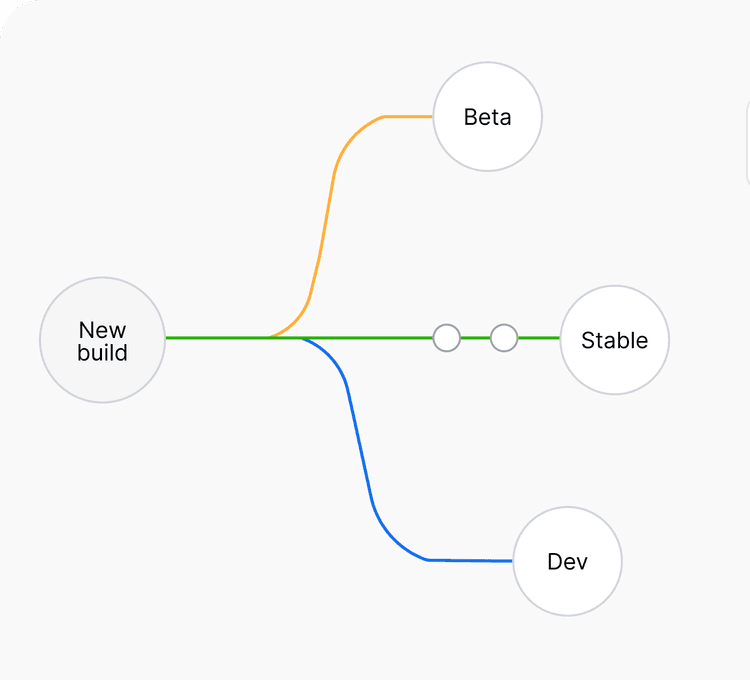
Publish packages across stable, beta, and dev channels. Validate with game publish --dry-run before going live. Retract broken versions instantly. Pin consumers to any previous version if something goes wrong.

Semantic versioning with release channels (stable, beta, dev) Version retraction for marking broken releases. Dry-run validation before publishing.

Semantic versioning with release channels (stable, beta, dev)

Release Channels. Publish to stable, beta, or dev channels. Your team consumes stable for production and tests beta builds in staging.

Release Channels.

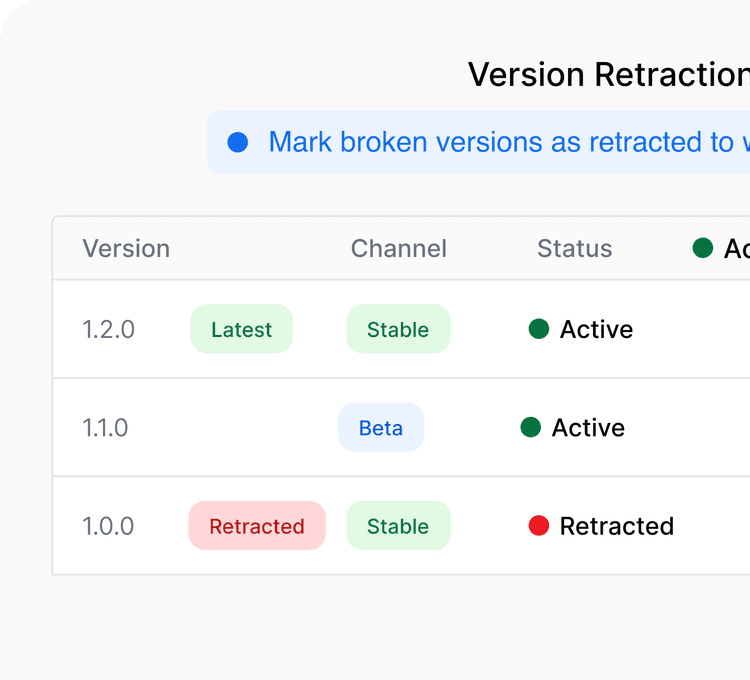
Version Retraction. Mark broken versions as retracted to warn consumers without deleting history. Retracted versions stay visible for audit but are flagged to avoid.

Version Retraction.

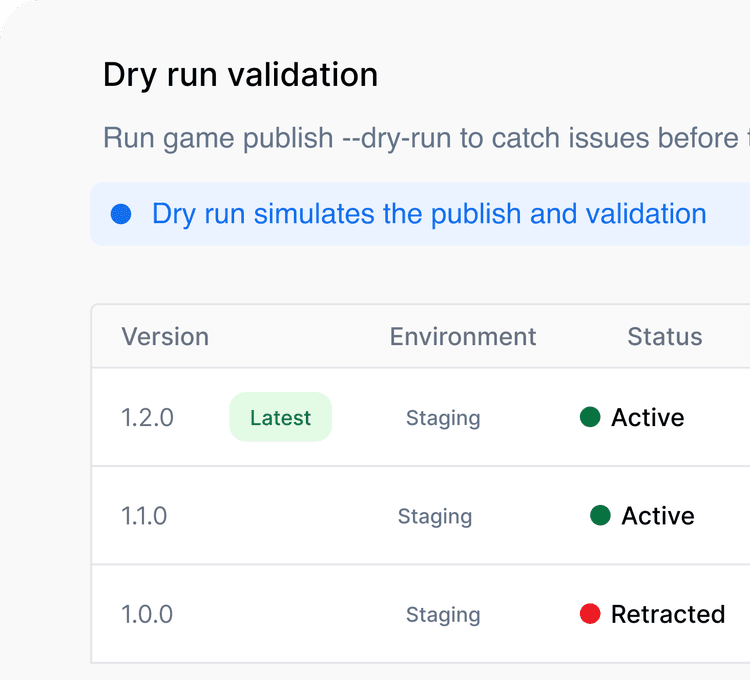
Dry-Run Validation. Run game publish --dry-run to catch issues before they reach your team. Pin consumers to any known-good version if something goes wrong.

Dry-Run Validation.
3 Release Channels
Ship stable, beta, and dev builds to the right teams automatically
1 Command to Publish
𝒈𝒂𝒎𝒆 𝒑𝒖𝒃𝒍𝒊𝒔𝒉 validates, builds, and ships your package in a single step
Custom storage
Your Assets, Your Infrastructure
S3-Compatible Storage. Store artifacts on AWS S3, MinIO, or any S3- compatible backend. Local filesystem for development.
Your Assets, Your Infrastructure

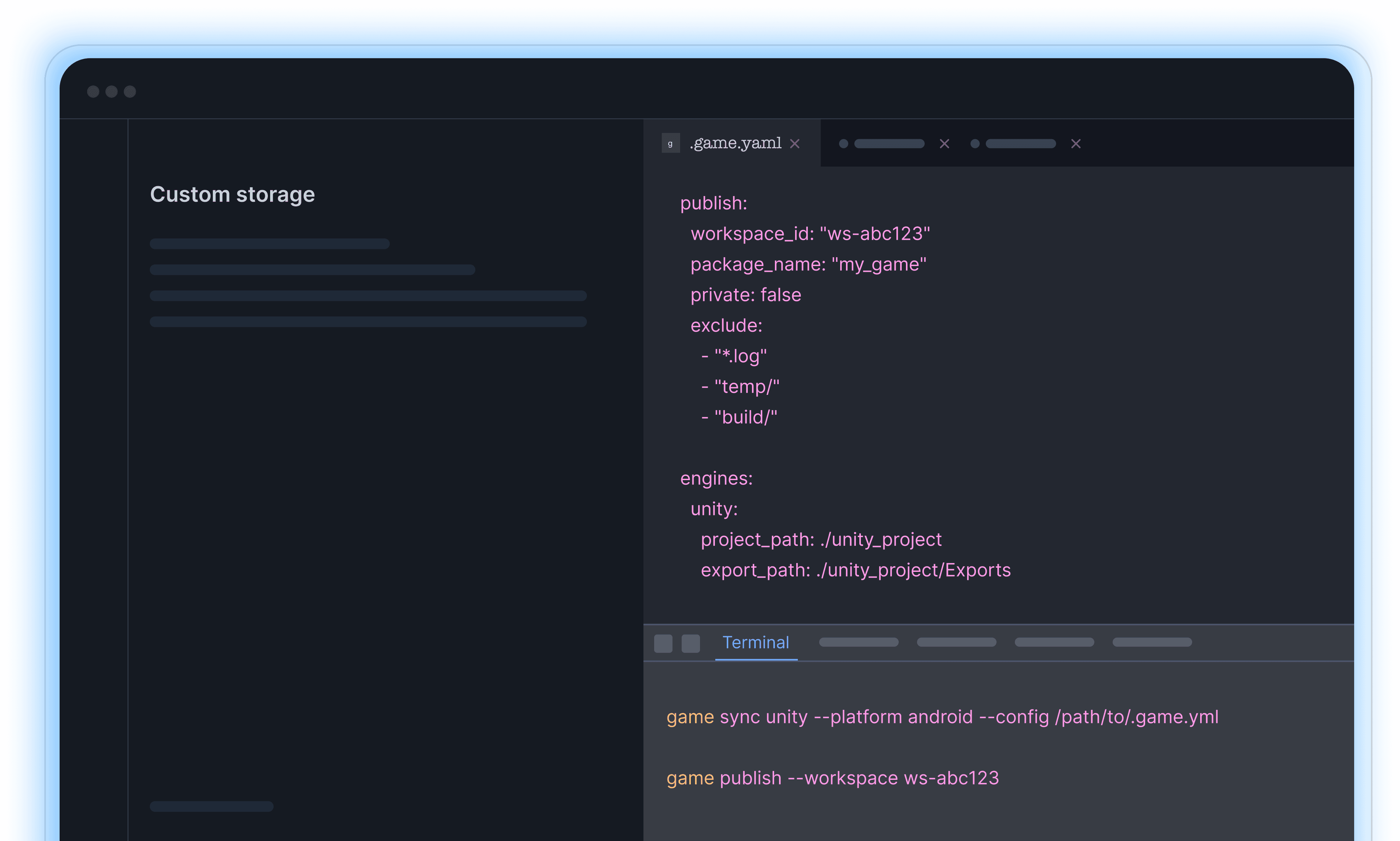
Bring Your Own Storage: Configure Game Framework to use your own S3-compatible storage. Your artifacts, packages, and version history reside entirely within your infrastructure. Game Framework handles metadata and distribution.

Unified Interface

Regardless of backend, the Game Framework experience remains consistent. Switch between AWS S3, MinIO, or any S3-compatible provider without changing your workflow.

Development & Production

Use local filesystem storage during development and switch to S3-compatible storage for production. Configuration is a single YAML change, no code modifications required.
Auto Setup Integration
From Install to Running in Minutes
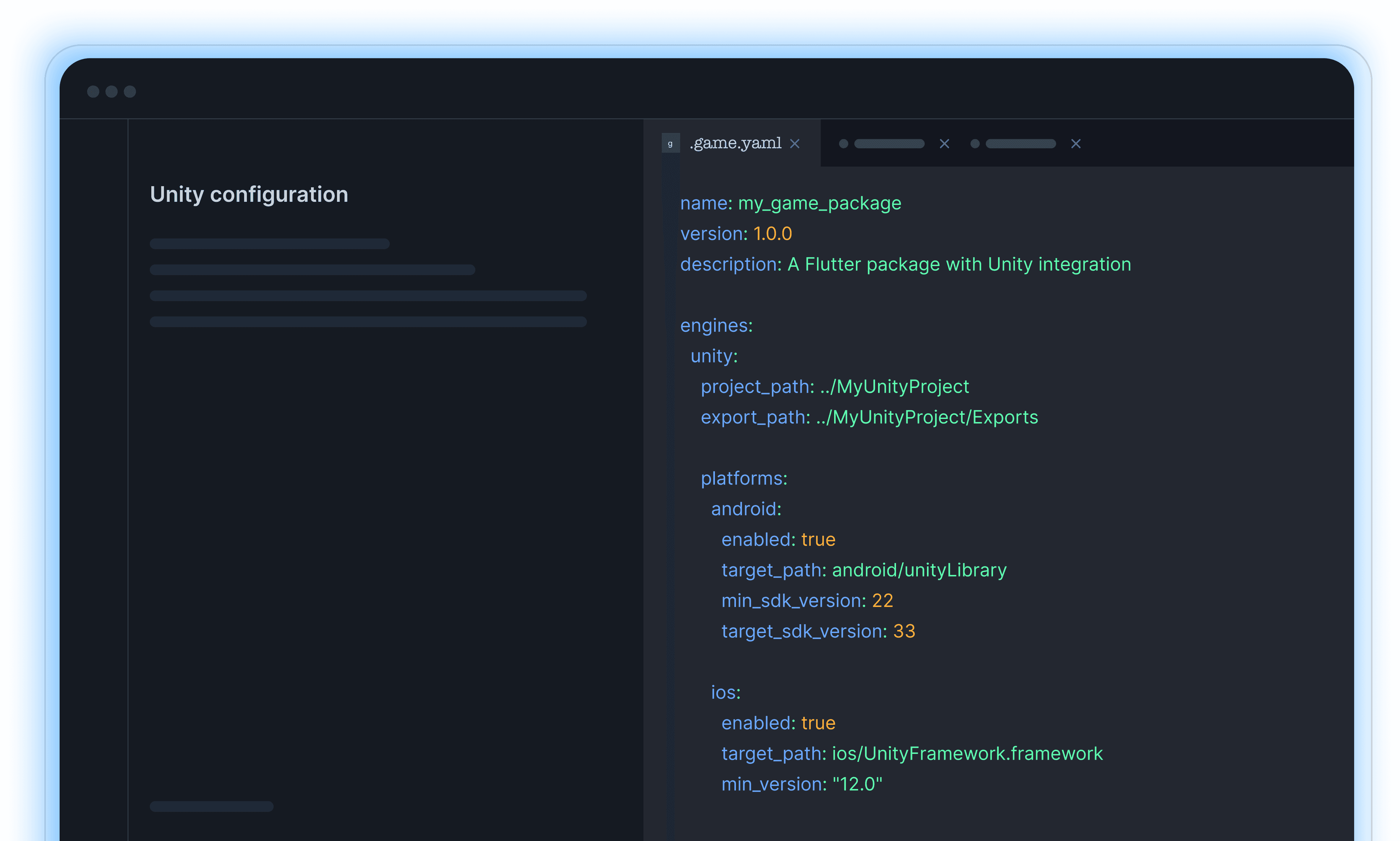
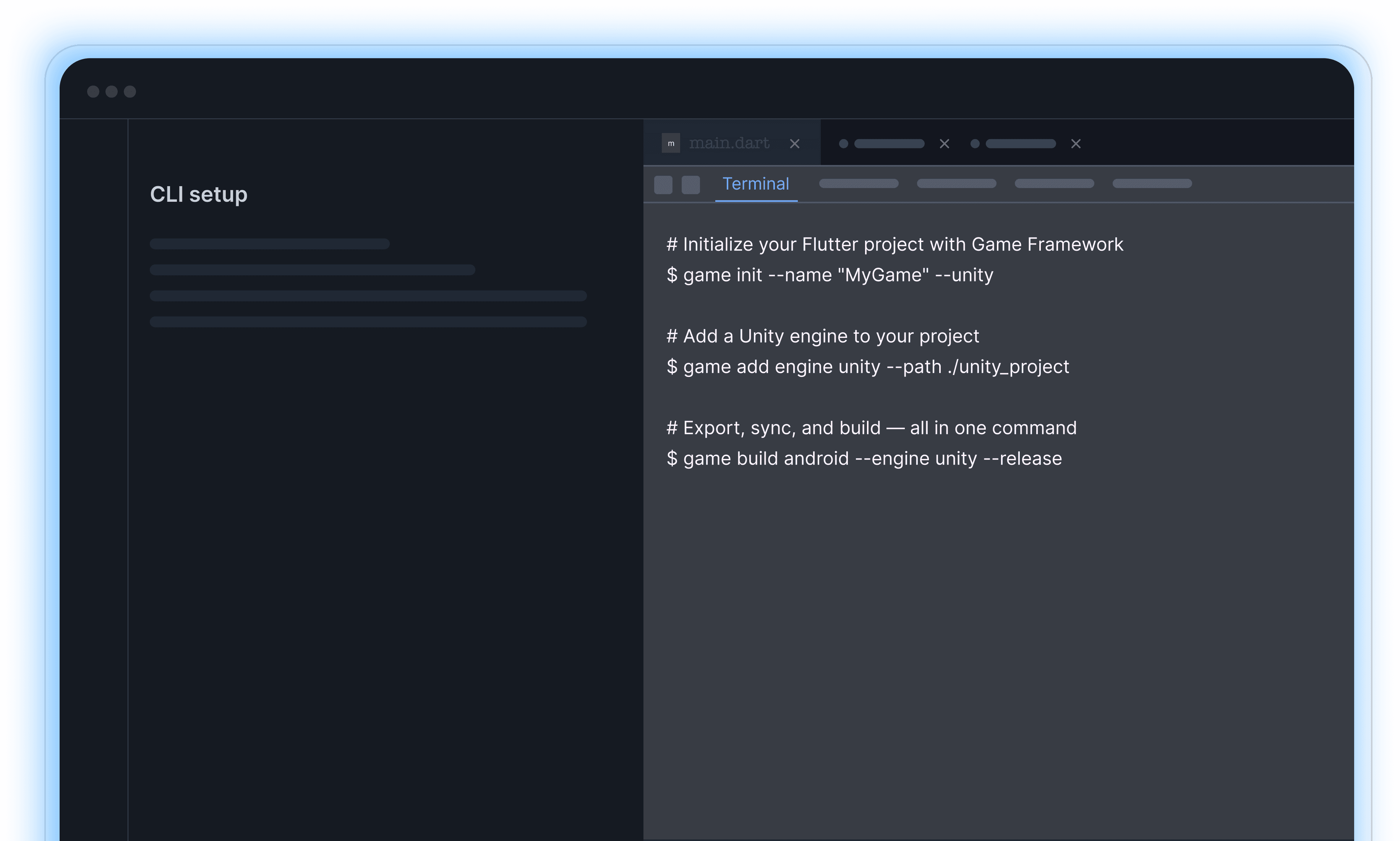
Skip the manual configuration headaches. The game CLI sets up your Flutter project with engine support, dependencies, and platform configuration in a few commands.
From Install to Running in Minutes

𝒈𝒂𝒎𝒆 𝒊𝒏𝒊𝒕

Creates a .game.yml configuration file tailored to your project. Specify your engine (--unity or --unreal), and the CLI generates the right configuration template for your setup.

𝙜𝙖𝙢𝙚 𝙨𝙘𝙖𝙛𝙛𝙤𝙡𝙙

Generate a complete Flutter package with game engine configuration from scratch. Creates a minimal, working project template ready for development.

𝒈𝒂𝒎𝒆 𝒂𝒅𝒅

Add Unity or Unreal Engine to an existing Flutter project. The CLI adds engine support alongside your existing code without disrupting your current setup.

What the CLI Handles

cli
Data Streaming
Real-Time Data, Zero Lag
Real-Time Data, Zero Lag" and "Stream game data, assets, and state updates in real-time between your Flutter app and embedded game engines.
Real-Time Data, Zero Lag

High-Performance Channels

Game Framework establishes optimized communication channels between Flutter and your game engine.

Bidirectional Flow

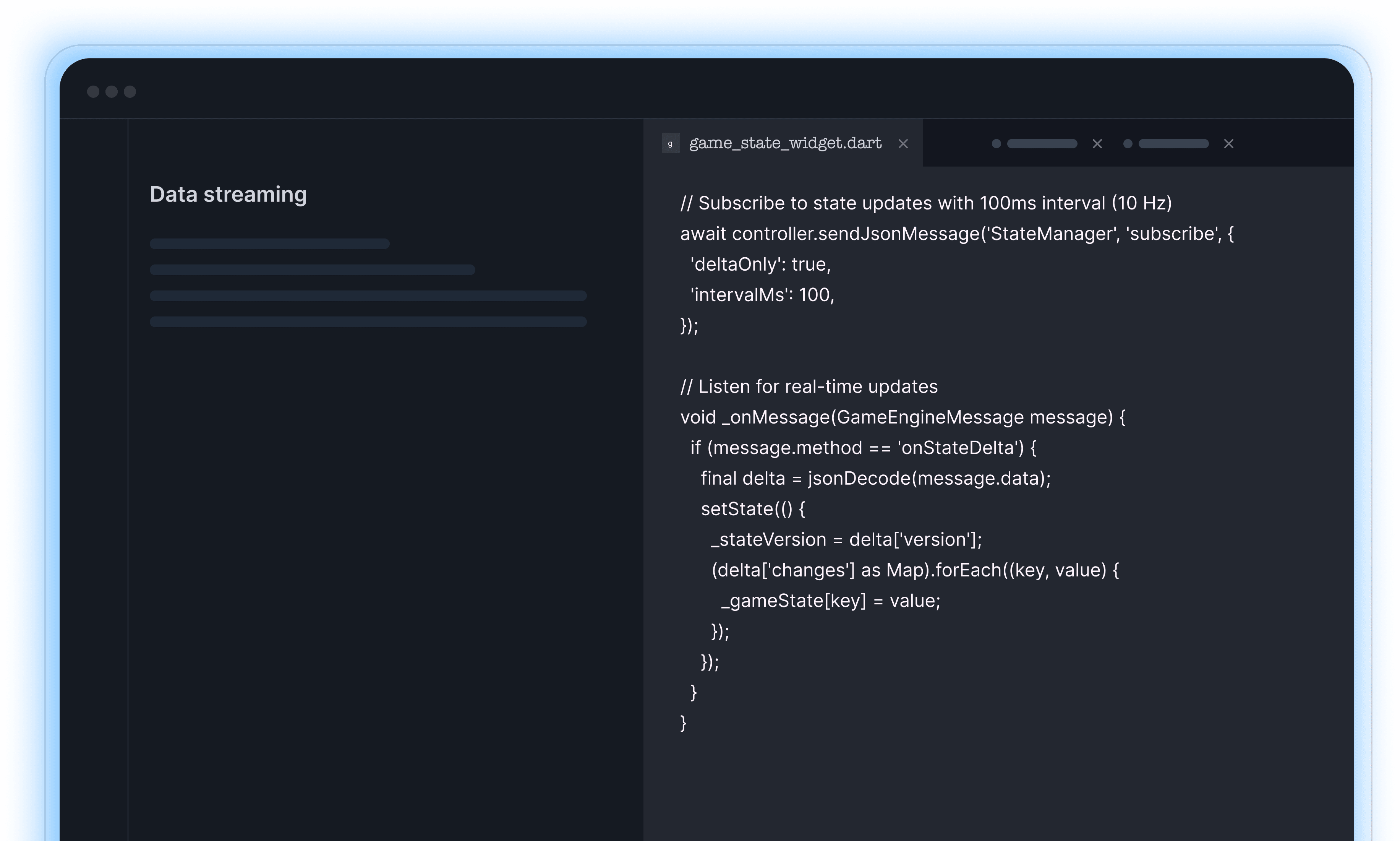
Data flows both directions simultaneously. Send commands, UI state, and configuration from Flutter to the engine with 𝙨𝙚𝙣𝙙𝙈𝙚𝙨𝙨𝙖𝙜𝙚(). Receive game events, scene updates, and state changes back via stream listeners.

Stream Types for Every Use Case

Different data needs different handling. Game Framework provides event streams for discrete interactions, message streams for state synchronization, and asset streams for progressive content loading via the 𝙜𝙖𝙢𝙚𝙛𝙧𝙖𝙢𝙚𝙬𝙤𝙧𝙠_𝙨𝙩𝙧𝙚𝙖𝙢 package

Event Streams

Discrete events from either side. Touch inputs, game events, UI triggers—delivered reliably and in order.