Zero-Config Flutter
Integration
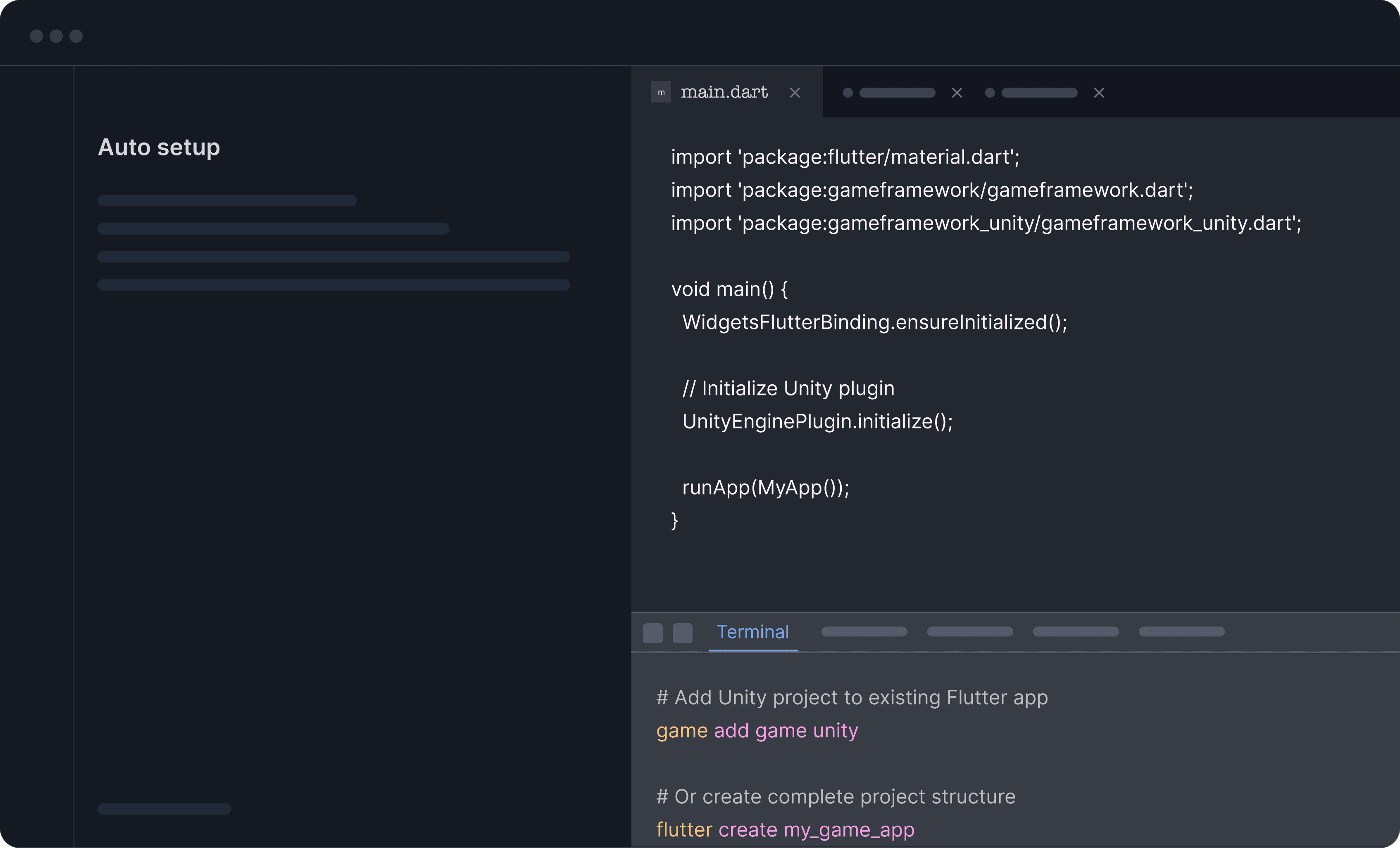
From fresh Flutter project to embedded game engine in a single
command. GFW Auto Setup handles the dependencies, platform
configurations, and build settings automatically.
Centralized Asset Management
Store, organize, and access all your game assets
from a single source of truth.
Game Framework examines your existing project structure, Flutter version, and target platforms. Configurations are tailored to your specific setup not generic templates that require manual adjustment.
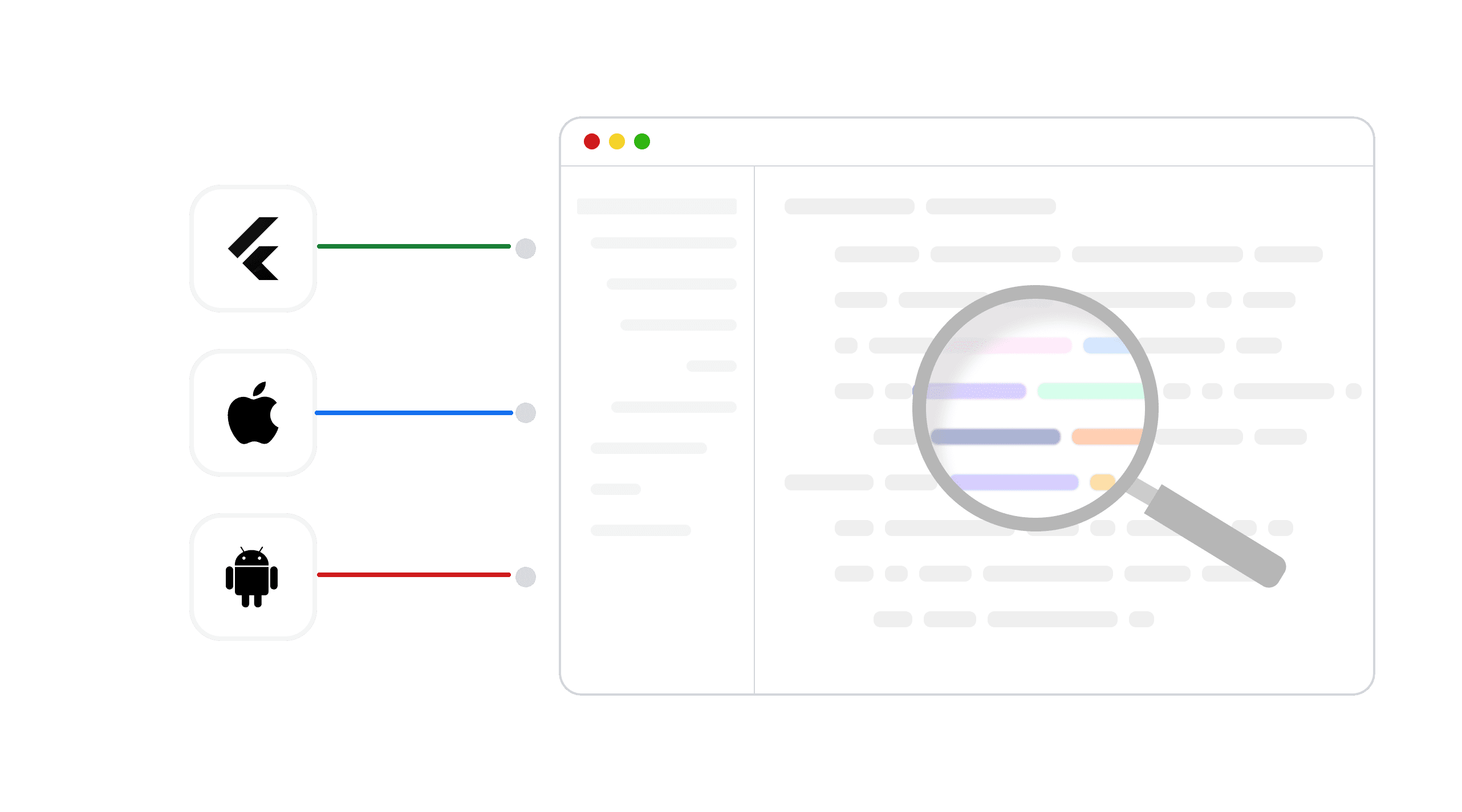
Already have native code or custom configurations? Game Framework identifies potential conflicts and guides you through resolution, preserving your existing customizations while adding game engine support.
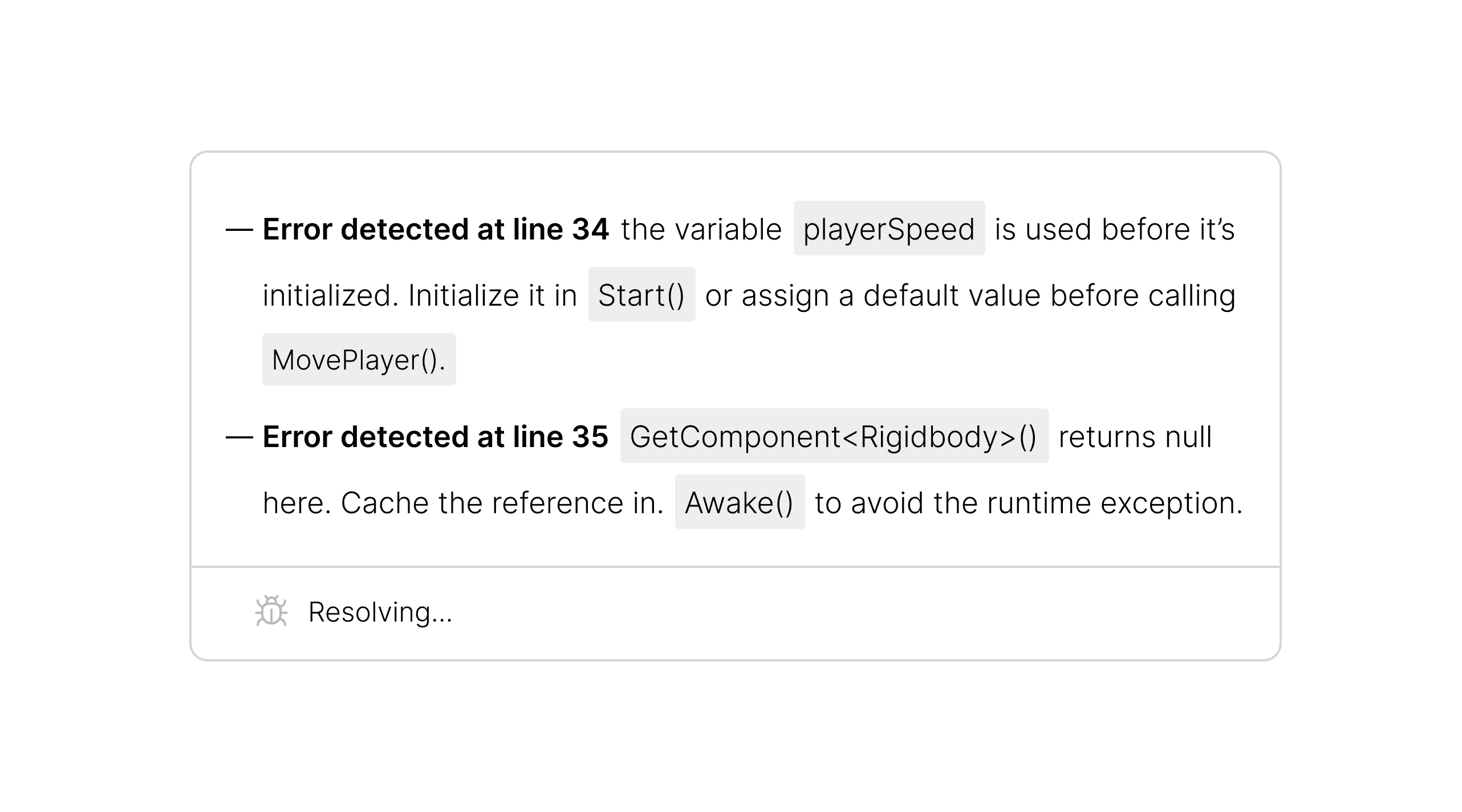
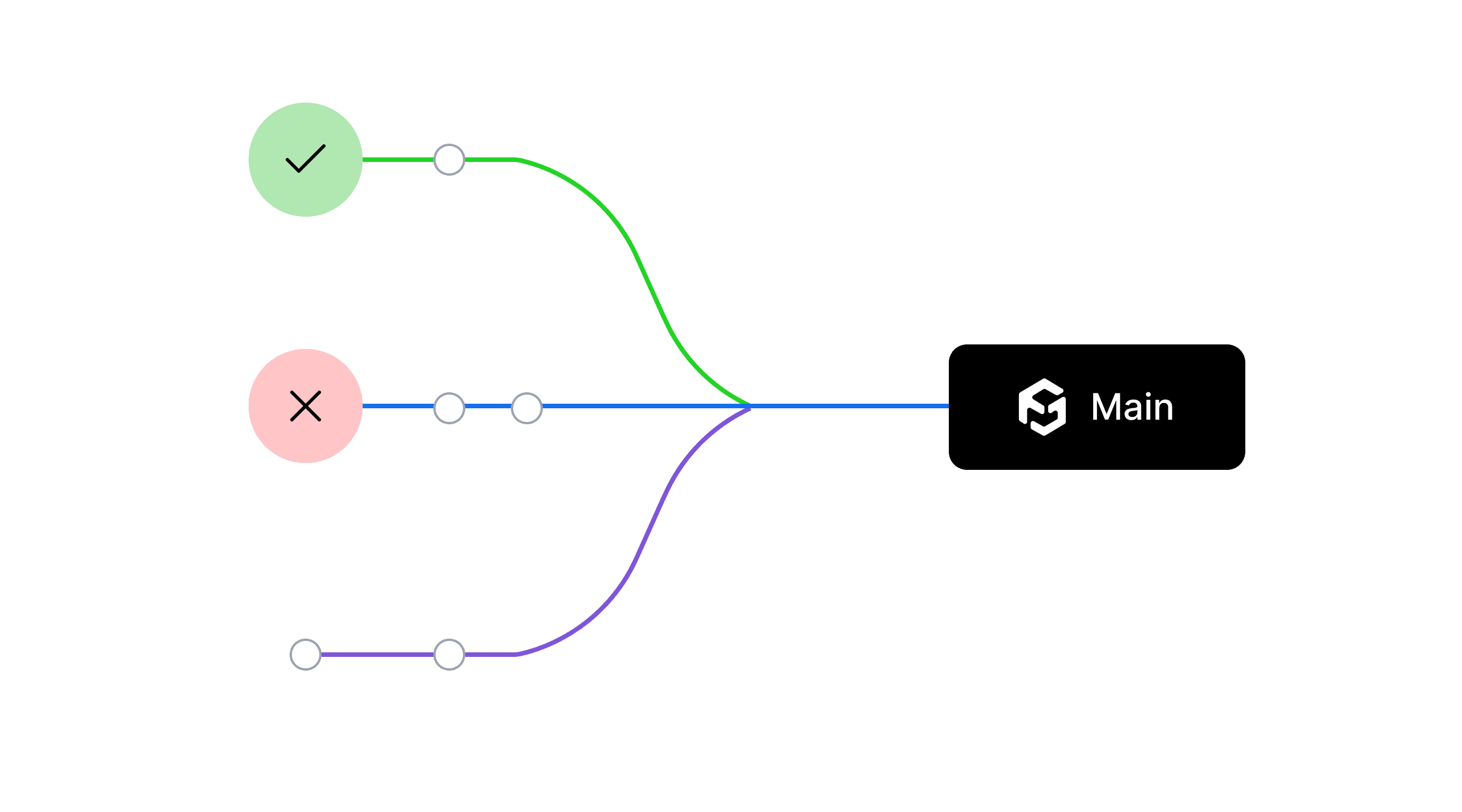
Create isolated branches to test new features or major changes. Merge successful experiments back to main, or discard them entirely—your stable version remains untouched.
Our CI/CD pipeline builds for six platforms. Auto Setup's non-interactive mode means we can spin up fresh build environments with full game engine integration automatically. No manual configuration steps to document or forget.